Your cabinet allows you to schedule a delayed start, a convenient feature if you want to find your equipment dry upon your return, without needing to be present at the start of the cycle.
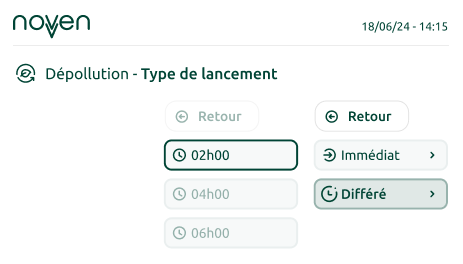
To activate the delayed start:
- Select your program and its duration.
- At the launch step, the cabinet offers you to choose the start type (Immediate or Delayed); select “DELAYED.”
- Set the time at which you want the program to be finished.
- Start the program.
A confirmation will appear indicating that your delayed start cycle has been successfully scheduled. The cabinet will automatically start at the optimal time so that your equipment is ready at the chosen time.